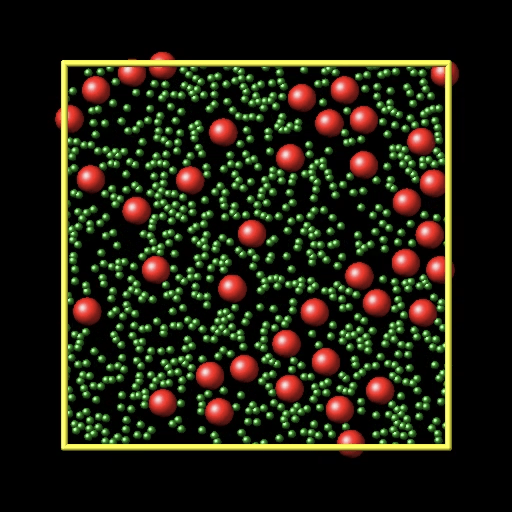
Install & run LAMMPS for Mac – a simple approach (stable 2020-10-29)
Quick notes for installing LAMMPS on macOS via Homebrew or Cakebrew, and running a sample case.
1.INSTALL
- Install Homebrew:https://brew.sh/
- Install LAMMPS by Terminal(or Cakebrew):https://lammps.sandia.gov/doc/Install_mac.html

2.RUN
Try a colloid example in ~/examples/.In Terminal:
cd /usr/local/Cellar/lammps/YOUR VERSION NUMBER/share/lammps/examples/colloid
/usr/local/Cellar/lammps/YOUR VERSION NUMBER/bin/lmp_serial -in in.colloid
The visualization movie is available here(lammps.org).